ParentVue and StudentVue Applications | Updated
Hello MPUSD Families,
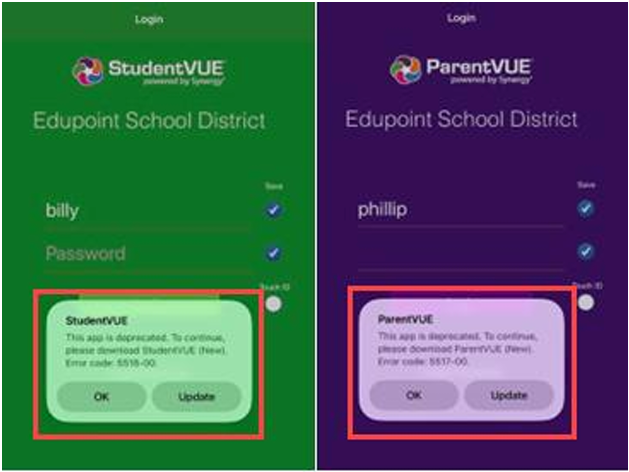
Synergy has recently updated the ParentVUE and StudentVUE applications. Due to this update, legacy versions of these apps no longer permit users to log in, and anyone attempting to do so will encounter an error message. You can view example images of this error below.
To access your account successfully, all families and students must upgrade to the latest version of the app. Please see the update instructions below.
Instructions for updating:
Open the Apple App Store (for iPhone/iPad) or the Google Play Store (for Android).
Search for "ParentVUE (New)" or "StudentVUE (New)".
Tap the "Update" option. If you are downloading the application for the first time, you will select the option to install instead.
Please reference the following link to common questions and answers: https://www.edupoint.com/Services/Support/For-Parents-Students
If you still need help, contact your school if you require any assistance with the installation process.